Client management
Every client, and everything they own.
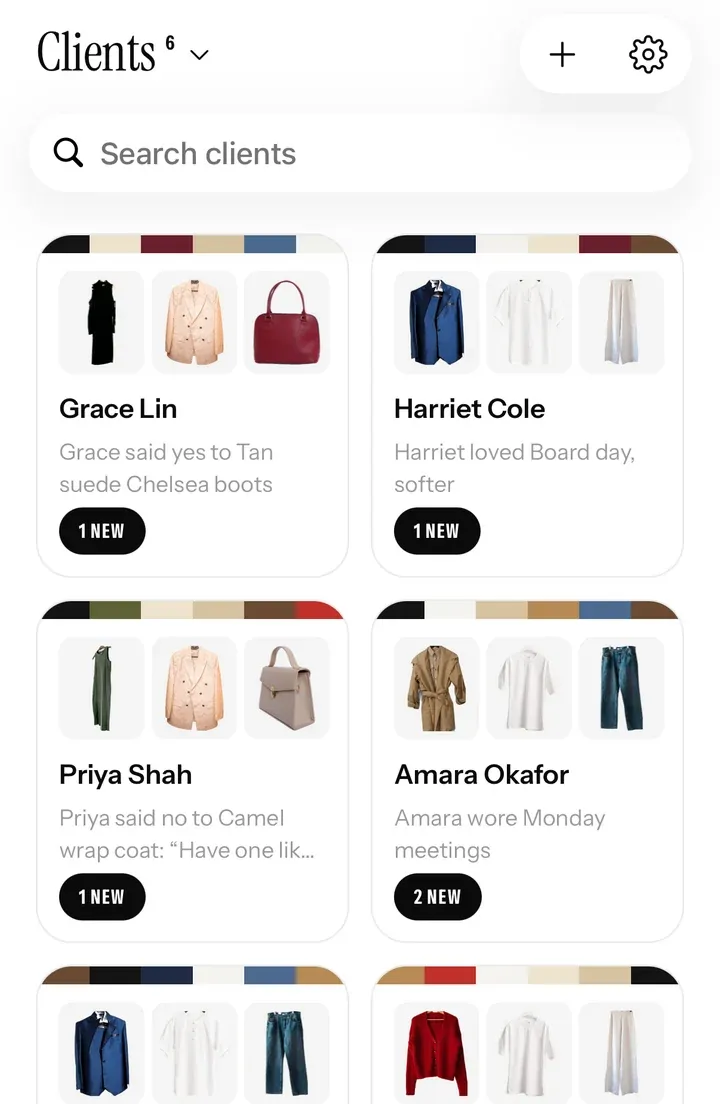
A client list that holds their whole wardrobe, your notes and your conversations, in the same app your clients use to get dressed every morning.
14 days free with every feature. Then from £35 a month. Cancel any time.
Their closet, on your phone
Style from what they actually own.
Send a client your invite link or code. They say yes in the app, and their closet appears on your phone, piece by piece: each one cut out, with its colours and how often it’s worn. When they add something new, you see it too.
- They choose what you see. Clients see exactly what they’re sharing, and can stop sharing at any time.
- No more photo requests. Their whole wardrobe is there before the first session.
- From anywhere. Next door or in another country, you style from the same closet.
One page per client
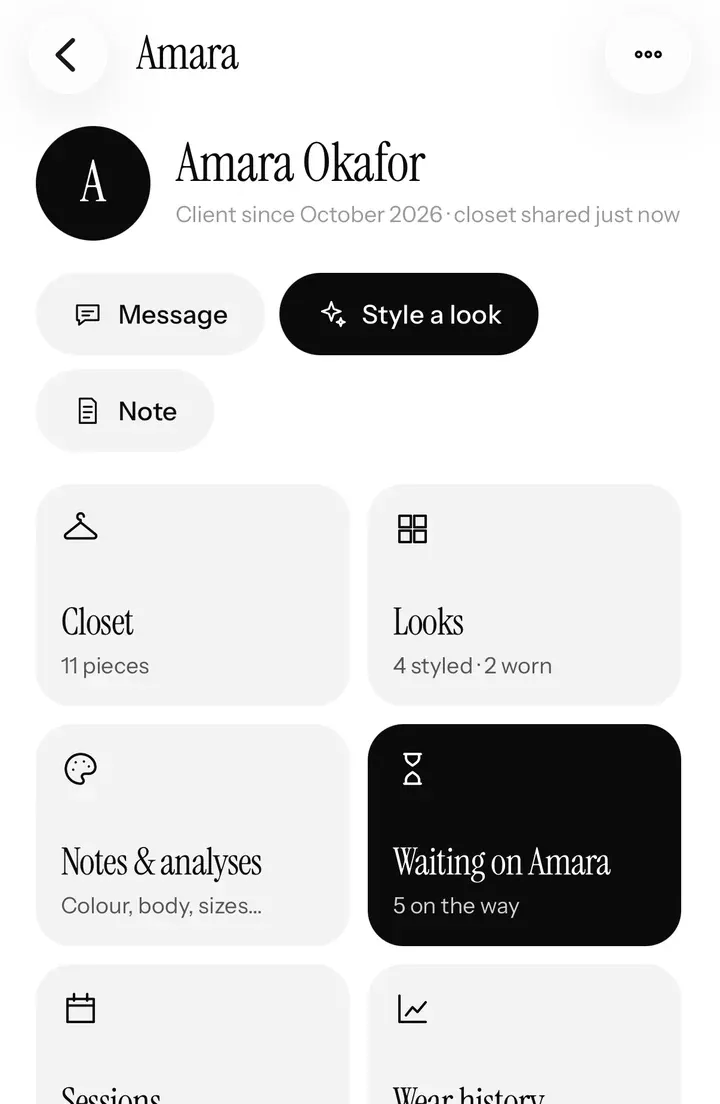
Everything about a client, on one page.
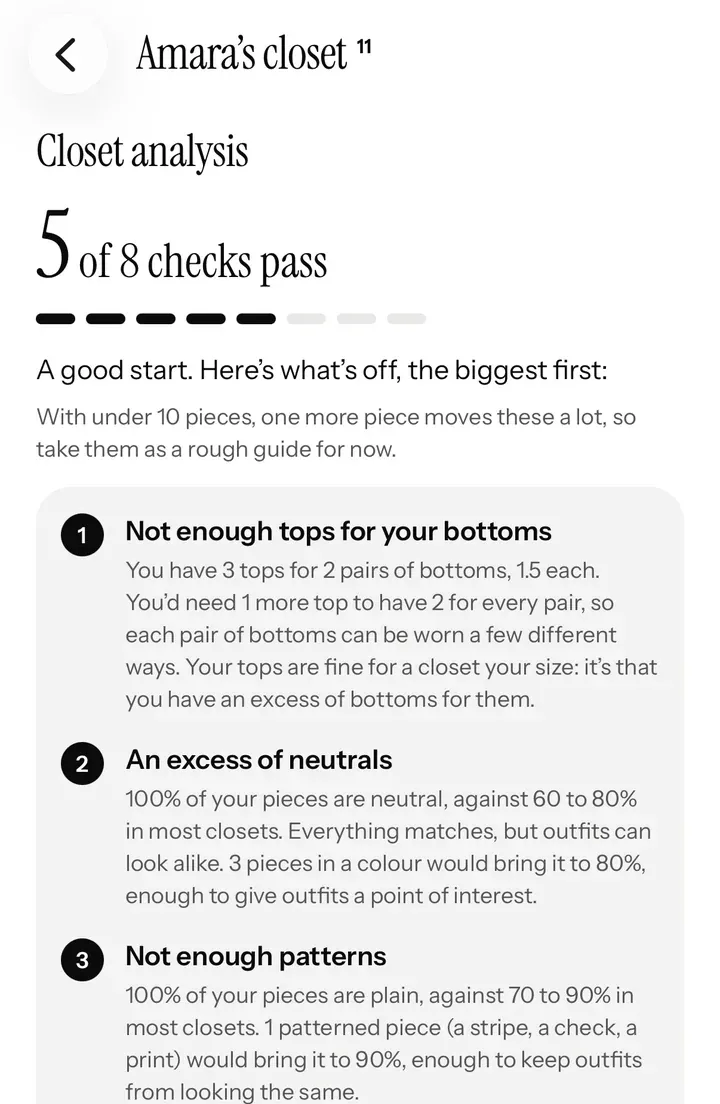
- An instant Closet analysis. Too few tops for their bottoms, too many neutrals, not enough pattern: spot the gaps in seconds.
- Keep, alter or let go. Mark any piece, and your advice shows on the client’s own closet, right where they’ll see it.
- Their looks and answers, what they loved, what they wore and what they said no to.
- Your notes, next to everything else, so every session starts where the last one finished.
Notes, analyses and templates
Write it once. Use it for every client.
Colour and body analyses, style direction, sizes, shopping lists and session notes, each one shared with the client or kept private. Save any of them as a template for every new client.
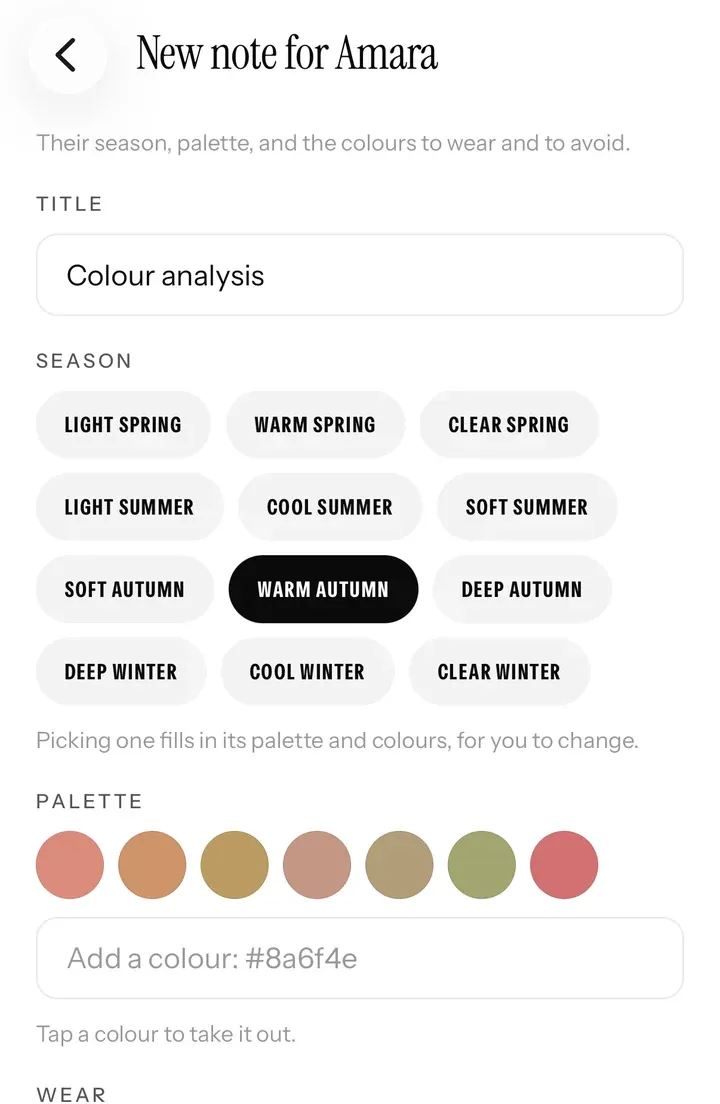
- Colour analysis notes. Pick a client’s season, and their palette and the colours to wear and avoid fill in, ready to adjust.
- Draping in person, with your phone as the drape.
- Shared in a tap. Share a note, and it’s in the client’s app.
Talk and ask
A private chat, and the right questions first.
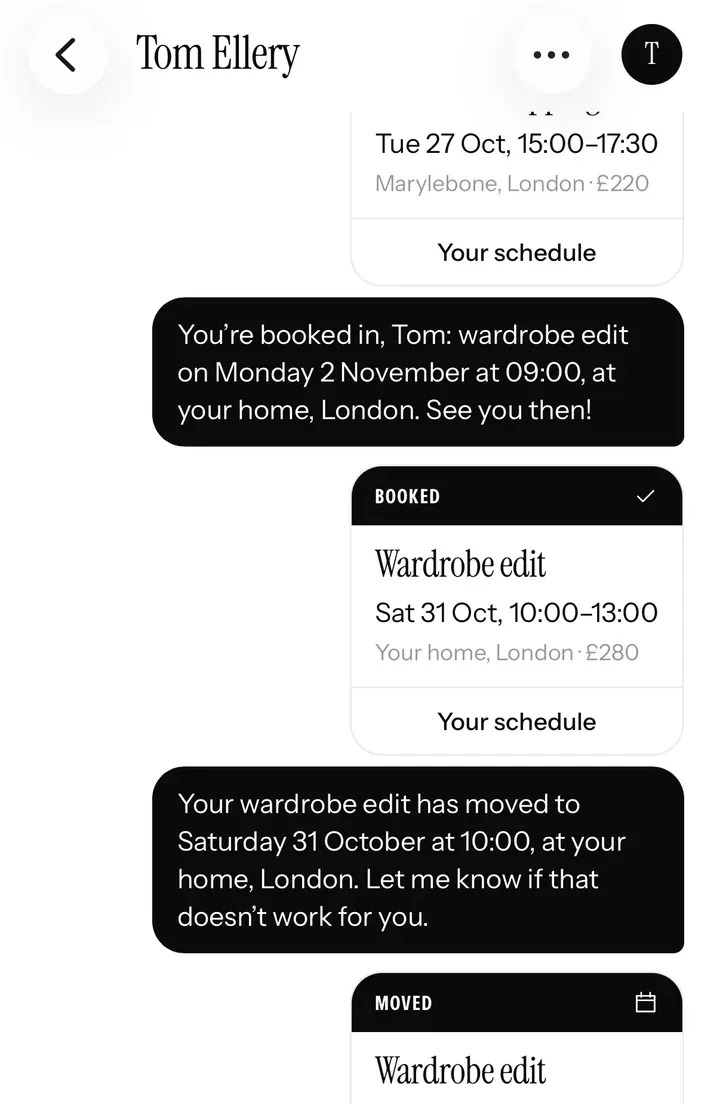
- A chat with each client, with bookings and looks shown right in it, so nothing gets lost in your Instagram messages.
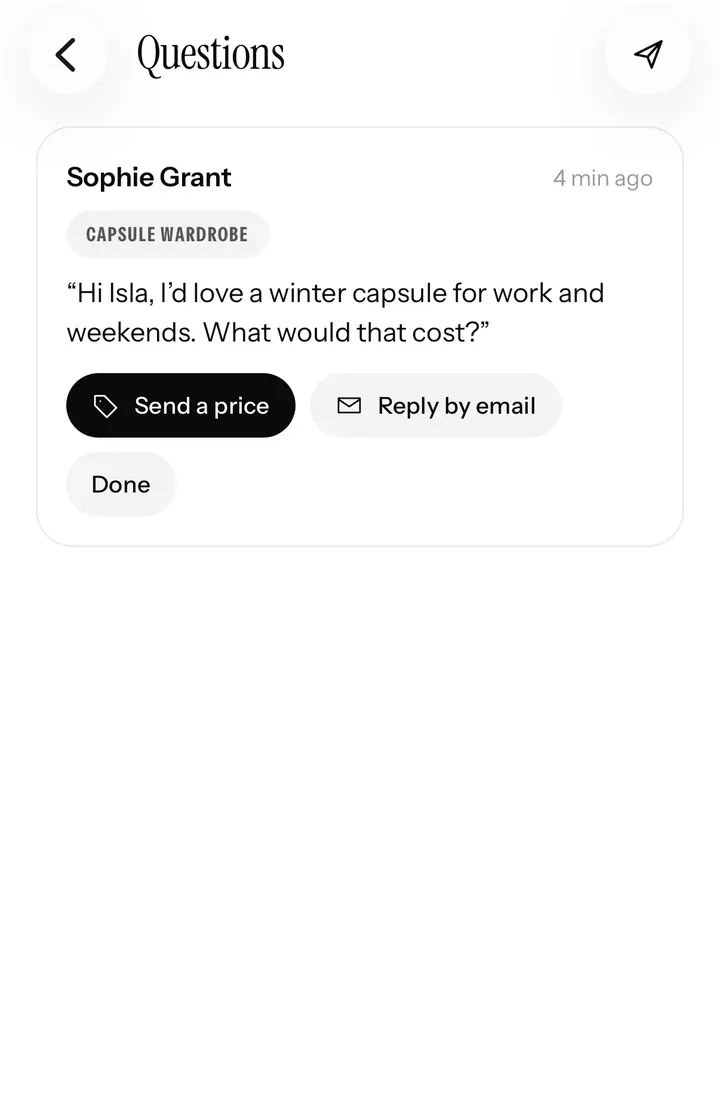
- A style consultation to send before the first session, with the answers on the client’s page.
- You hear about it: a notification when a client answers, books or sends a message.
A new service to sell
No closet yet? Digitise it for them.
Photograph a client’s pieces with Closetboard, as a paid session or with a wardrobe edit. Every photo is cut out, its colours read and its type recognised, and the closet arrives on your phone.
Questions
Good to know.
Do my clients pay for the app?
No. Closetboard is free for your clients on iPhone and iPad. Your stylist plan is the only cost.
How many clients can I have?
Pro has room for up to 25 active clients at a time; Studio has no limit. Your first 14 days are free, with every feature.
Can someone book me without sharing their closet?
Yes. Anyone can book on your page with a name and an email. To share their closet and receive your looks, a client uses the free app and says yes to your invite.
Can a client stop sharing?
Yes, at any time, from their own app. They always see exactly what they’re sharing with you.
Stylist mode
The rest of your business.
Ready when you are
Start your 14 days free.
Apply in a couple of minutes. We look at every stylist’s work before they’re approved, and email you as soon as we have.
Stylist mode is on iPhone and iPad. Your clients can book you from any phone or computer.