Do you need a wardrobe app? What they do and how to choose one
A good wardrobe app makes getting dressed easier and shopping rarer. A bad one becomes a very tidy photo album you never open.
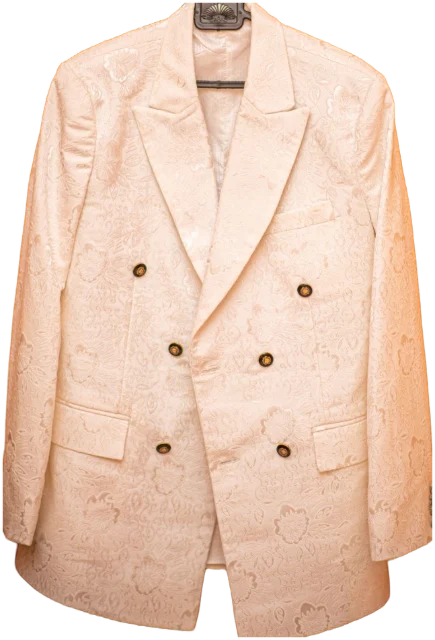
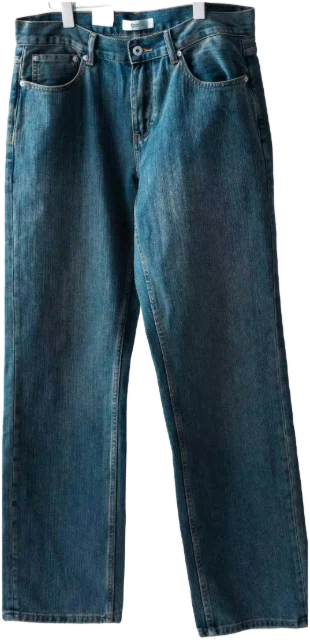
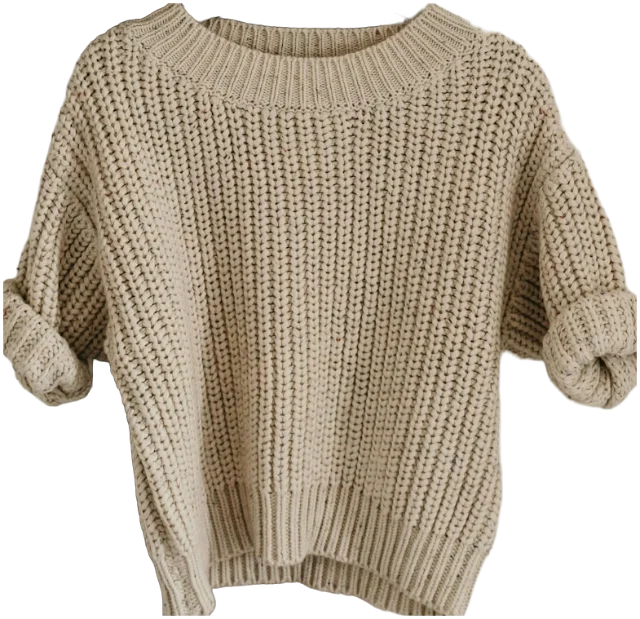
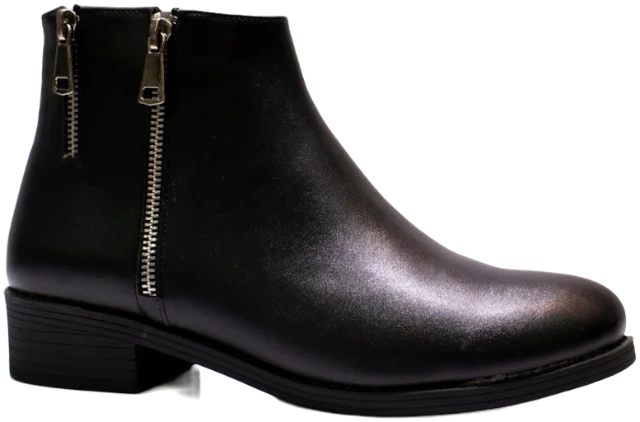
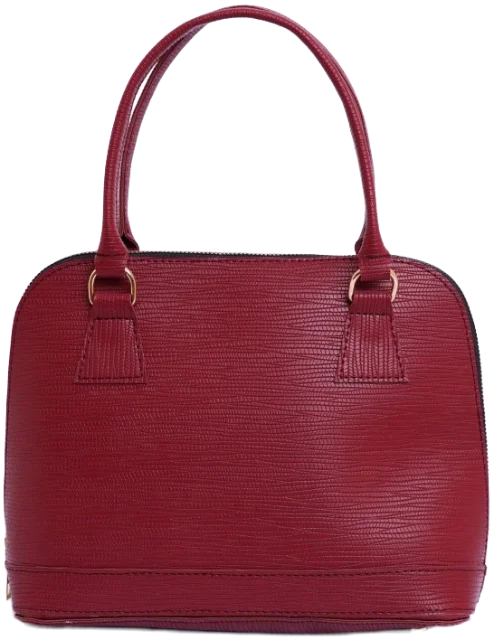
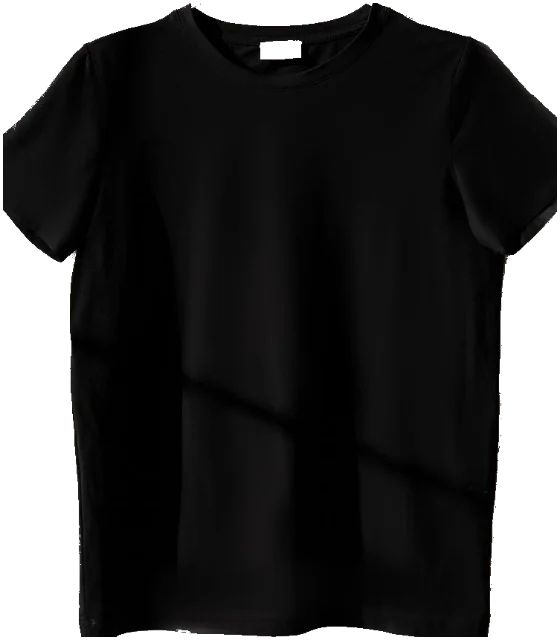
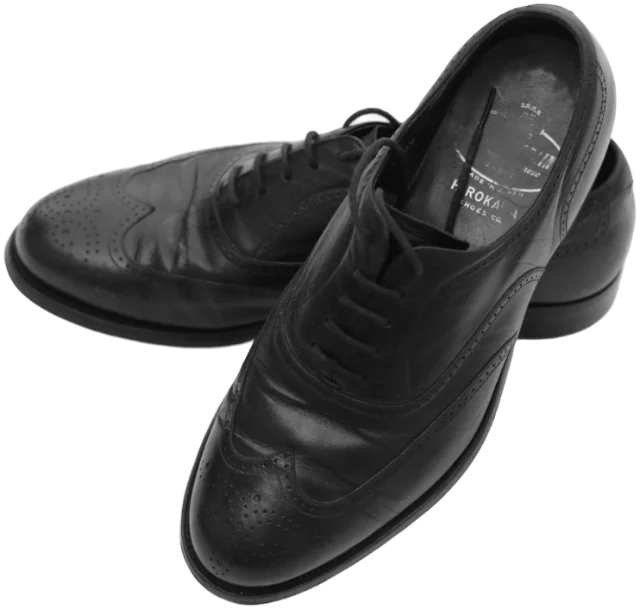
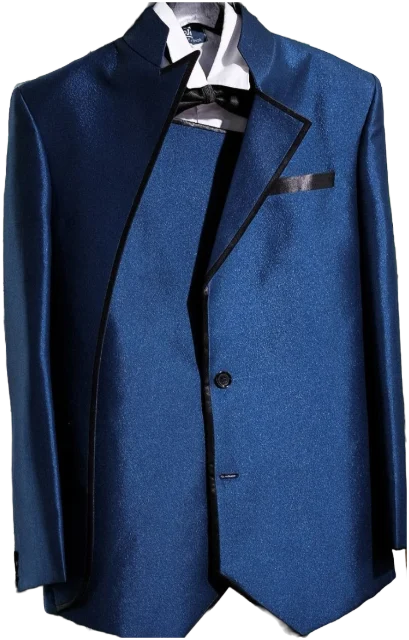
A wardrobe app is a catalogue of the clothes you own, on your phone. You photograph each piece, it’s tagged by type, colour and season, and the app helps you build outfits, plan what to wear and track what you actually wear. It’s worth having if you’ll spend a couple of hours setting it up and open it most mornings.
Key takeaways
- A wardrobe app is worth it if you’ll set it up and open it most mornings; a small wardrobe you can see at a glance may not need one.
- Set-up is the real cost, so automatic cut-outs and tagging matter more than clever extras.
- Good outfit ideas use only your clothes, consider weather and occasion, and show combinations you haven’t tried.
- Check where your photos live, what AI features send, and whether you can export and delete everything.
- Judge an app after a month by one test: are you wearing more of what you own?
We make one, Closetboard, so weigh our view with that in mind. This guide describes what wardrobe apps do in general, and the questions that matter whichever one you choose.
What does a wardrobe app actually do?
Most wardrobe apps, also called closet apps or outfit planners, are built from the same handful of features. Not every app has all of them, and quality varies a lot.
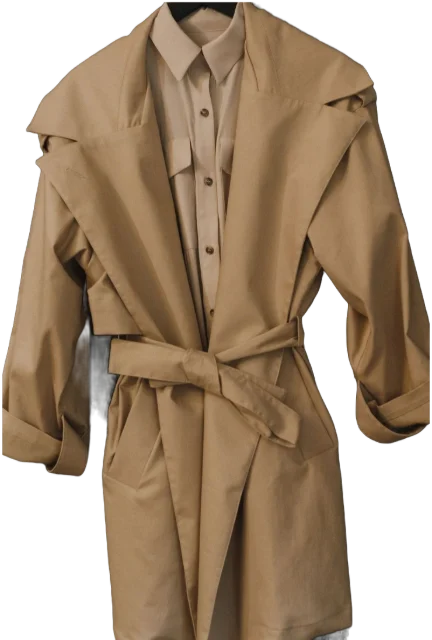
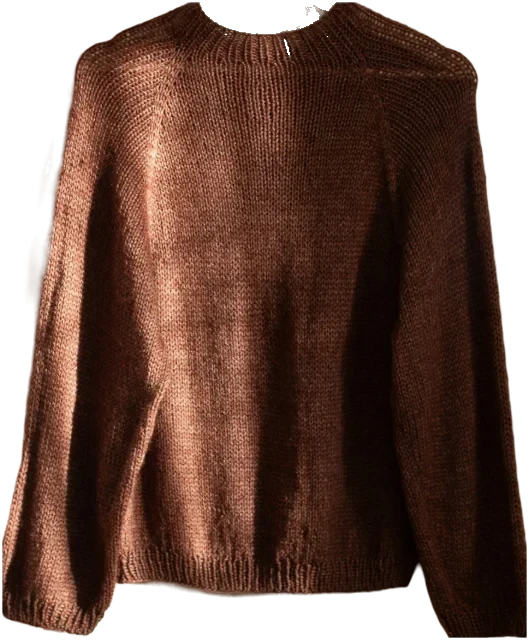
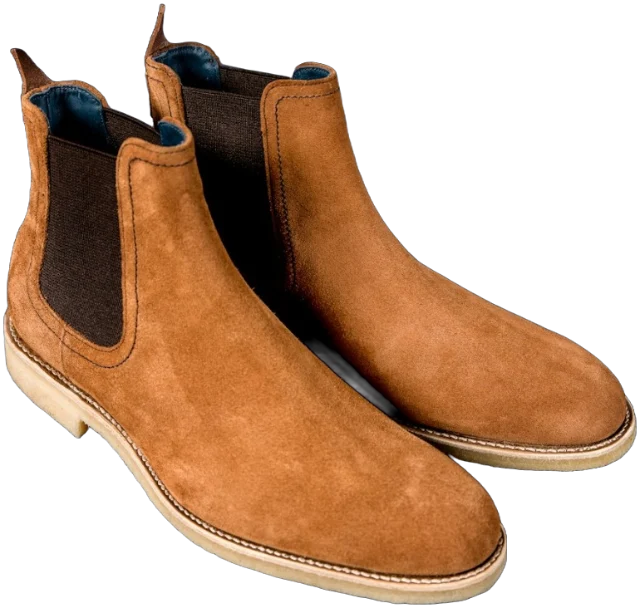
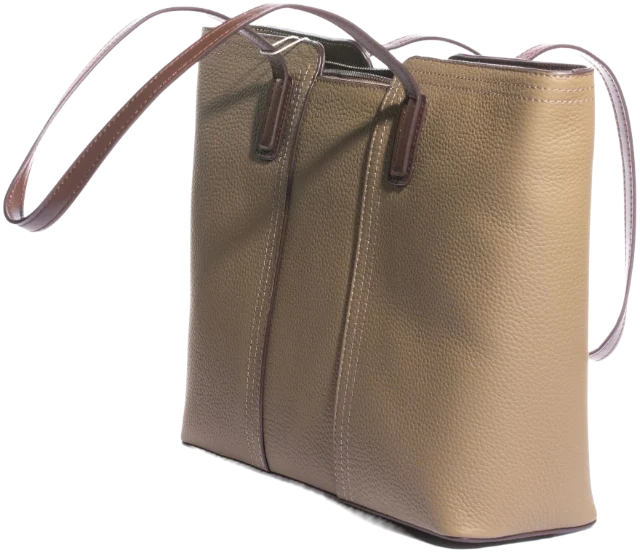
- A catalogue of your clothes. One photo per piece, usually with the background removed so pieces can sit side by side.
- Tags. Type, colour, season and how dressy a piece is. Some apps suggest these from the photo; others ask you to fill them in.
- Outfit building. Put pieces together on screen to see how they look, and save the combinations you like.
- Outfit suggestions. Combinations made from your own clothes, ranging from simple shuffles to ideas that take the weather, the occasion and colour into account. Some use AI.
- Planning. A calendar for the week ahead, or a packing list for a trip.
- Wear tracking. Log what you wore and see what you reach for, what you ignore and your cost per wear.
- Shopping tools. A wishlist, adding pieces from a shop link, and sometimes a way to try a piece with your own clothes before you buy it.
- Sharing. Sending outfits to friends, or lending and swapping clothes.
Who a wardrobe app helps, and who it doesn’t
The people who get most from a wardrobe app tend to own plenty and wear little of it. That’s a lot of us: WRAP found the average UK adult has 118 items of clothing, and a quarter of them haven’t been worn for at least a year. An app is likely to help if you:
- have a full wardrobe and still feel you have nothing to wear;
- keep clothes in more than one place, such as a wardrobe, drawers and under-bed boxes;
- dress for several different things in a week: office, gym, dinner, weekend;
- want to buy less and need to see what you already own;
- travel often and pack by guesswork.
You probably don’t need one if you can see everything you own at a glance, if you already wear most of it, or if you know you’ll never log anything. A small, well-edited wardrobe is its own app.
How much effort does a wardrobe app take to set up?
This is the real cost, and the reason so many wardrobe apps end up unopened. Photographing and tagging takes about a minute a piece once you’re in a rhythm, so a wardrobe of around 120 pieces is roughly two hours of work.
Features that cut that time are worth more than any clever extra:
- Automatic background removal, ideally from a photo taken on the bed or floor rather than against a perfect white backdrop.
- Automatic tagging that you only need to check, not type out.
- Adding from a shop link for things you bought online, using the shop’s own photo.
- Adding several photos at once.
Whichever app you choose, don’t do it all in one sitting. Add the pieces you’ve worn in the last fortnight first, then the rest in batches. Our guide to photographing clothes at home will make every photo count.
How to choose a wardrobe app: six questions
1. Where will my closet live?
On your phone, in your own cloud storage or on the company’s servers. Each has trade-offs: on your phone is private but needs a backup; the company’s servers are convenient, but they hold your photos for you.
2. How long will set-up take me?
Add five pieces before you commit. If that takes more than ten minutes, multiply it by your whole wardrobe and be honest with yourself.
3. Are the outfit ideas actually useful?
Good suggestions use only your clothes, consider the weather and the occasion, and show you combinations you haven’t tried. If every idea is something you already wear, or something you’d never wear, it isn’t helping. If AI is involved, our honest look at what an AI stylist can and can’t do will help you judge it.
4. Can I log what I wear in one tap?
Wear tracking only works if it’s effortless. Look for logging that takes seconds and counts outfits as well as single pieces, so you can track what you wear without it turning into homework.
5. Does it help me shop less, or more?
Some apps are built around selling you things. That isn’t automatically bad, but notice it. The most useful shopping feature is the opposite of a sale alert: seeing a piece alongside what you already own before you buy it. It’s one of the best habits if you’re trying to stop impulse buying clothes.
6. What’s free, and what isn’t?
Check before you photograph a hundred pieces. Halfway through set-up is a bad moment to discover the outfit planner is behind a paywall.
Wardrobe app features compared
Use this as a checklist while you try an app out.
| Feature | What good looks like | Red flag |
|---|---|---|
| Adding pieces | A photo on the bed or floor, background removed, tags suggested for you to check | Needs a perfect white backdrop and every tag typed by hand |
| Outfit ideas | Only your clothes, aware of weather and occasion, new combinations | Random shuffles, or ideas built around things you don’t own |
| Wear tracking | One tap, counted per outfit and per piece | A calendar you have to fill in by hand |
| Shopping | See a piece with your clothes before you buy | Constant product suggestions and sale alerts |
| Storage | Clear about where photos live, with a backup you control | A vague privacy policy that never mentions storage |
| Leaving | Export your photos and data, delete your account easily | No export, or deletion only by emailing support |
Wardrobe app privacy: what to check before you upload
Photos of your clothes reveal your size, your spending habits and, often, your bedroom. Look in the privacy policy for straight answers to these:
- Do I need an account, and what does the company keep about me?
- Where are my photos stored, and are the originals kept after the background is removed?
- What do AI features send, and to whom? Some apps send each photo to an AI company as you add it; others only when you ask for help.
- Are my photos used to train AI, or seen by anyone else?
- Is there advertising, and is my wardrobe used to target it?
In the UK you often have the right to get the personal data you’ve given an organisation in a machine-readable format, and to ask for it to be deleted. An app that makes both easy is one that respects you.
Why people give up on wardrobe apps, and how not to
Most wardrobe apps aren’t abandoned because they’re bad. They’re abandoned in the first fortnight, for the same few reasons:
- Trying to add everything at once. Start with the 10 to 15 pieces you’ve worn recently; you can make outfits from those today.
- Messy, inconsistent photos. Use the same spot and the same light each time, and pieces will look like they belong together.
- Ideas that don’t fit real life. Tag dressiness and weather honestly, and remove pieces you’ve stopped wearing, so suggestions come from the wardrobe you actually use.
- Forgetting to log. Tie it to something you already do, like the kettle or the commute. Logging tonight’s plan for tomorrow counts too.
- New pieces never added. Photograph each purchase the day it arrives, before the first wear, while it’s still neatly folded.
Wardrobe app or no app?
If an app feels like too much, a photo album or a spreadsheet makes a perfectly good starter digital wardrobe. Try it for a month. If you find yourself wanting to lay pieces side by side, log outfits or get suggestions, that’s your answer.
If you do choose an app, judge it after a month, not a day. Notice whether you open it on busy mornings, whether its ideas make it out of the door, and whether you’ve bought less. The real test is simple: are you wearing more of what you own?
Questions
Are wardrobe apps free?
Many have a free version, often with limits on how many pieces you can add or which features you can use. Check what’s included before you photograph your whole wardrobe.
Can a wardrobe app tell me what to wear today?
Many can suggest outfits from your own clothes, and some take the weather and the occasion into account. You’ll still get the occasional odd idea, so treat suggestions as a starting point.
Is a wardrobe app better than a capsule wardrobe?
They solve different problems. A capsule wardrobe means owning fewer pieces that all work together; an app helps you see and combine whatever you own. Many people use an app to find the capsule hiding in their existing clothes.
What happens to my wardrobe if I stop using the app?
It depends on the app. Before you start, check whether you can export your photos and data and how to delete your account, so leaving is as easy as joining.
Sources
- Nation’s wardrobes hold 1.6 billion items of unworn clothes, WRAP
- Your right to data portability, Information Commissioner’s Office
- Your right to get your data deleted, Information Commissioner’s Office