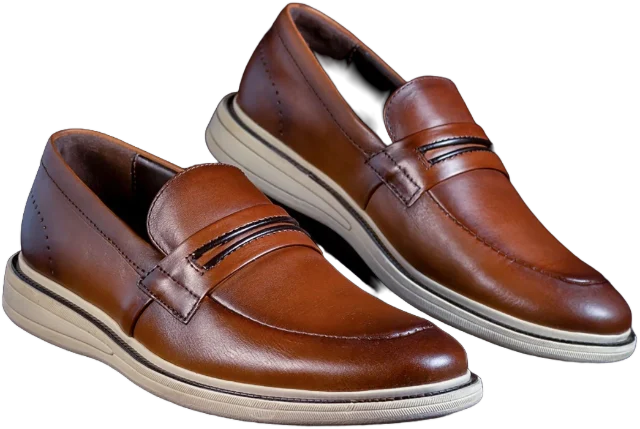
How to photograph clothes at home for a clean cut-out
You don’t need a studio, a ring light or a mannequin. You need a window, a plain sheet and about a minute per piece.
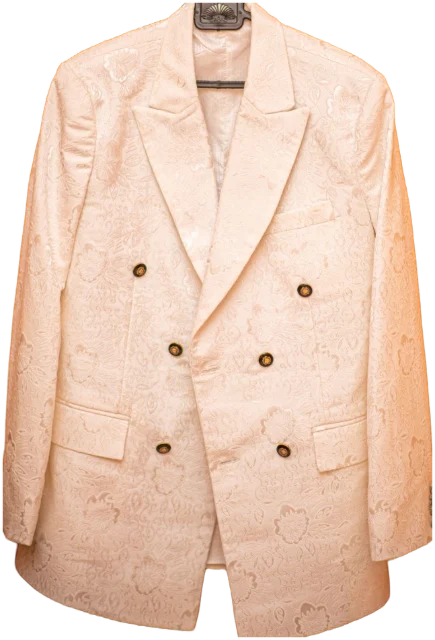
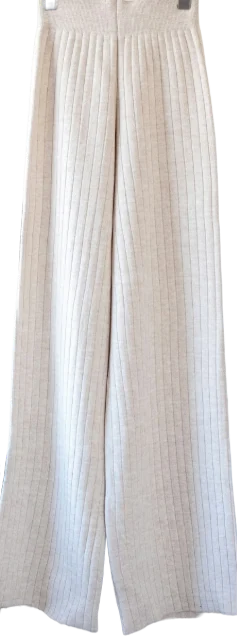
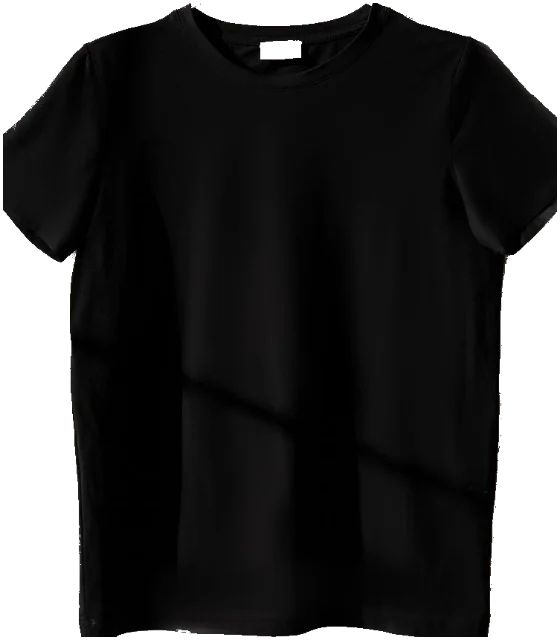
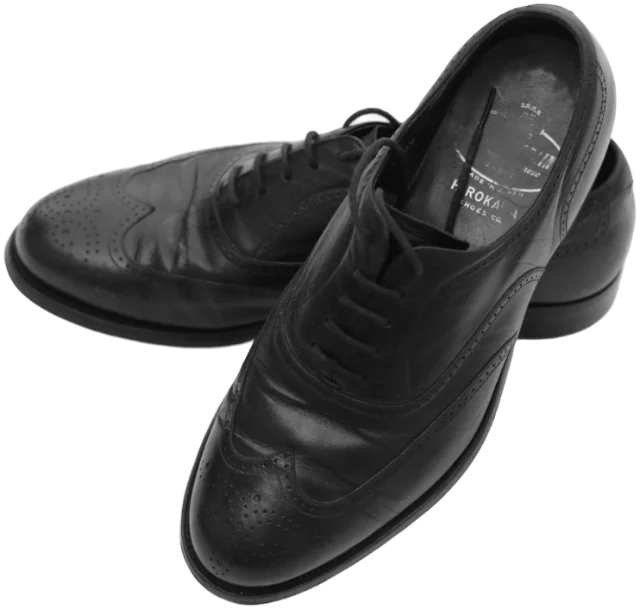
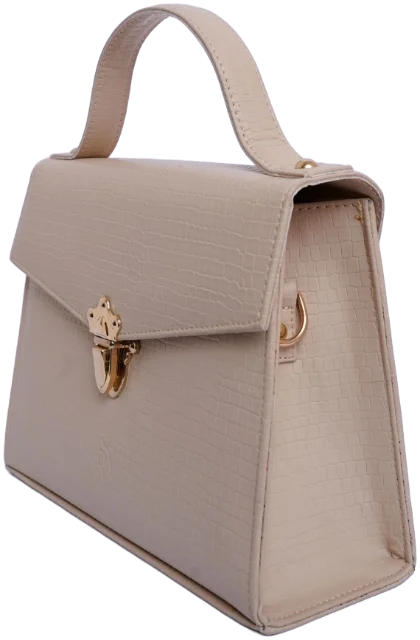
Here’s how to photograph clothes at home, in short: lay or hang one piece on a plain background that contrasts with it, shoot beside a window in soft daylight with the flash off, and hold your phone directly above or straight in front. Leave a small margin around the piece and it will cut out cleanly.
Key takeaways
- Shoot beside a window in soft daylight, with the flash and room lights off.
- Choose a plain background that contrasts with the piece: dark on light, light on dark.
- Lay T-shirts, knits and jeans flat; hang shirts, dresses, blazers and coats.
- Hold the phone directly above or straight on, use the main lens and leave a small margin.
- If a cut-out goes wrong, re-shoot on a better background rather than fixing it by hand.
What you need (and what you don’t)
Everything on this list is probably already in your home:
- Your phone. Any recent phone camera is plenty for a wardrobe catalogue.
- A window with daylight coming through it.
- A plain surface: a duvet, a sheet, a bare floor or a door to hang things on.
- A slim, plain hanger and a hook or door to hang it from.
- A lint roller and, if you have one, a steamer or iron.
- A white pillowcase or a sheet of card to bounce light into shadows.
You don’t need a ring light, a mannequin, a tripod or a proper camera. For a digital wardrobe, consistency matters far more than kit: the same spot, the same light, one piece at a time.
The best light for photographing clothes at home
Soft daylight from a window is the best light you’ll get indoors. Set up beside the window rather than facing it, so light falls across the piece and shows its texture. A bright, overcast day is ideal; direct sun throws hard shadows that a cut-out can mistake for part of the garment.
Turn the room lights off. Warm bulbs mixed with daylight give one side of a piece a yellow cast and the other a blue one, and your phone can only correct for one of them. Light really does change how we read colour: in a 2015 study of 1,401 people, most saw a viral photo of a dress as either white and gold or blue and black, a split the researchers linked to different assumptions about the light it was taken in (Current Biology).
A few fixes for tricky pieces:
- Black and navy swallow light. Move closer to the window and bounce light back with a white pillowcase on the shadow side.
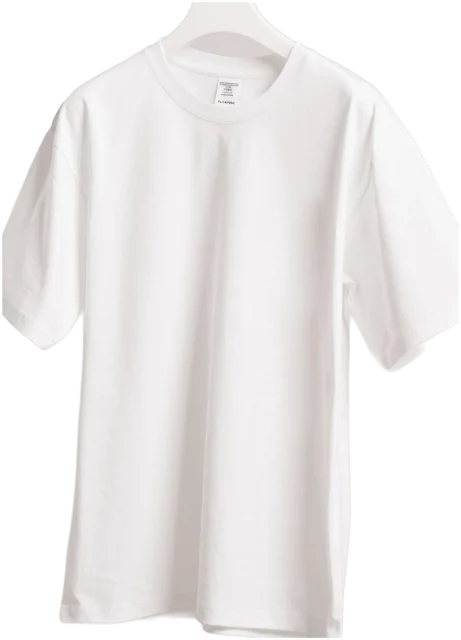
- White and cream blow out easily. Tap the piece on screen and drag the exposure down slightly until you can see the stitching.
- Shiny fabrics such as satin and patent leather pick up reflections. Turn them a little away from the window.
The best background for clothing photos
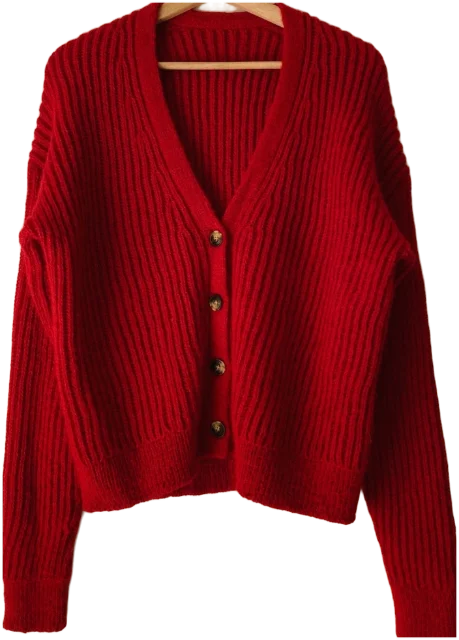
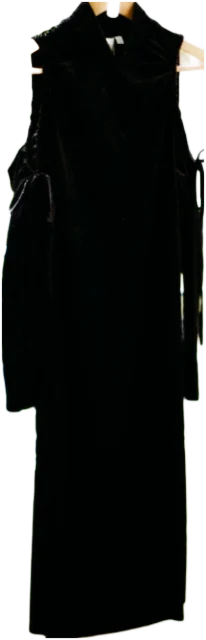
For a clean cut-out, contrast matters more than a perfect white backdrop. Background removal works by finding the edge between the piece and what’s behind it. If the two are similar in colour, the edge disappears, and so do bits of your sleeve. Use a plain, matte surface, smooth out any creases, and choose it by the colour of the piece.
| Piece | Good background | Avoid |
|---|---|---|
| White, cream and pastels | Mid-grey or navy bedding, a wooden floor | White sheets, pale carpet |
| Black, navy and dark brown | A white or light grey sheet, a pale door | Dark floors, dark duvets |
| Mid colours and prints | White or light grey | Patterned duvets and rugs |
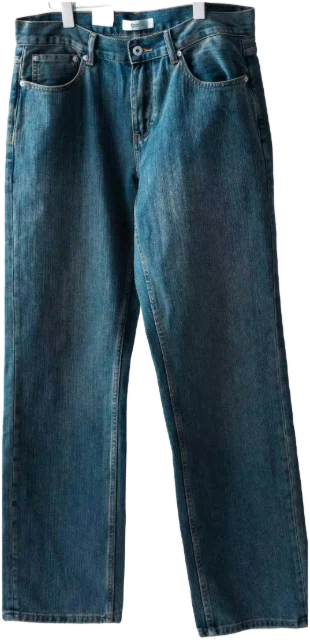
| Denim | White or cream | Blue bedding |
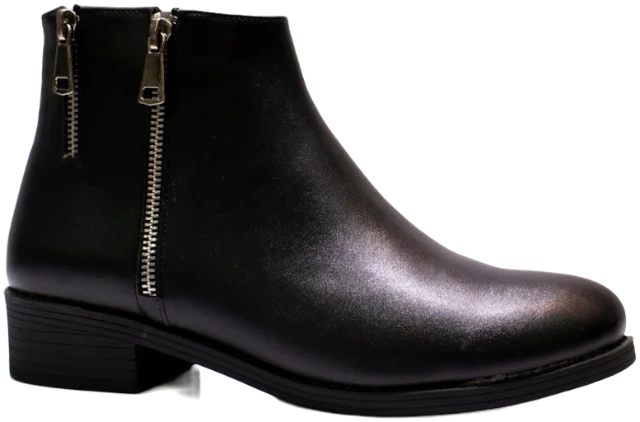
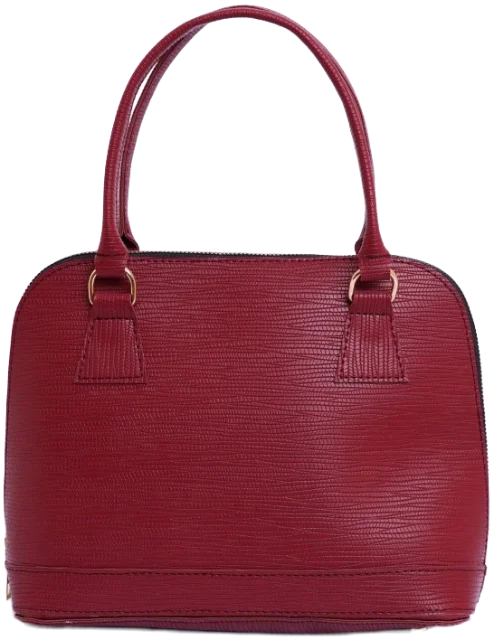
| Shoes and bags | A plain floor or a sheet of white card | Patterned carpet, a cluttered shelf |
Keep one light and one dark option to hand, such as a white sheet and a grey throw, and you’re covered for almost everything you own.
Flat lay or hanger: which is better?
Neither wins overall; each suits different pieces. Pick one method per type and stick with it, so your catalogue looks consistent and pieces line up well as outfits.
Flat lay
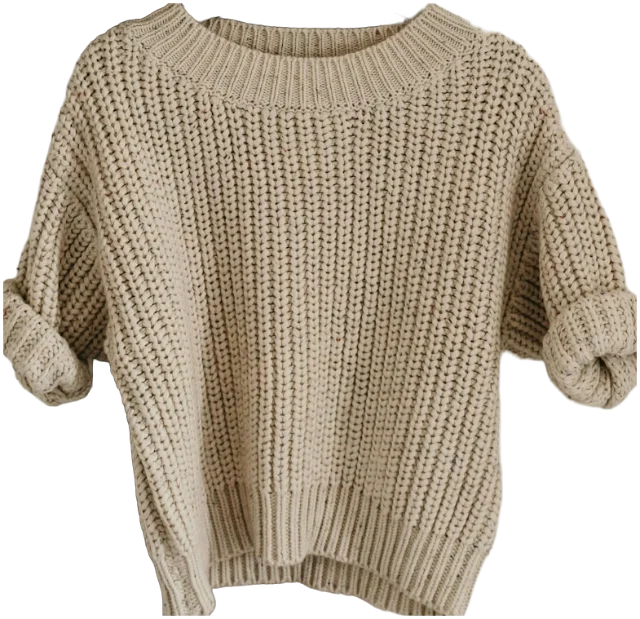
Best for T-shirts, knitwear, jeans, trousers and shorts. Lay the piece on the bed or floor, smooth it from the centre outwards with flat hands, and angle the sleeves slightly away from the body so the outline reads clearly. Lay trousers full length if you have the room; fold them only if you must.
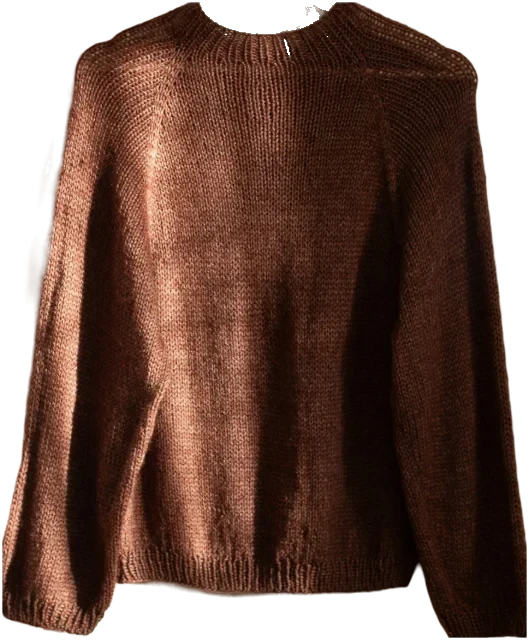
Knitwear should always go flat. A jumper on a hanger stretches at the shoulders, and the photo shows a shape it won’t have when you wear it.
On a hanger
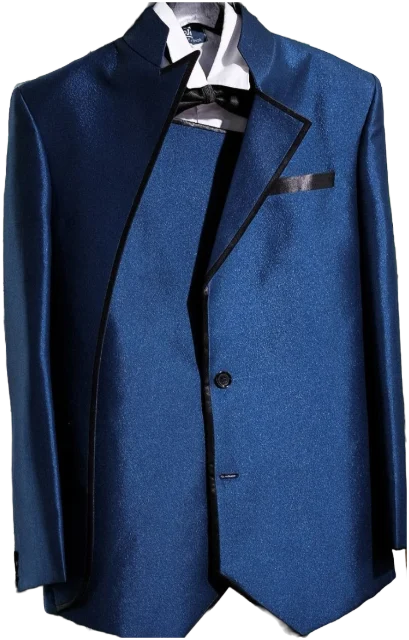
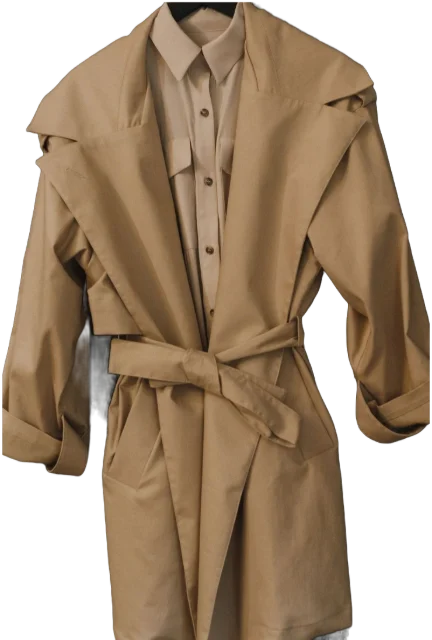
Best for shirts, dresses, blazers and coats, which hold their shape better hanging. Use a slim, plain hanger, hang it from the top of a plain door, and take every other hanger out of the shot. Do up the top button and straighten the collar.
Shoes and bags
Shoot shoes as a pair from the side, turned slightly towards you, so the toe and heel shapes show. Stand bags upright with the handle raised, and fill them with paper so they don’t slump.
Angles and framing
- Flat lays: directly above. Stand over the piece with the phone parallel to it. Shoot at a slant and the top of the piece looks wider than the bottom.
- Hanging pieces: straight on. Hold the phone level with the middle of the piece, not at your eye level.
- Use the main lens. An ultra-wide lens bends straight edges. Step back and use the standard 1x lens, or 2x if your phone has it.
- Fill about 80% of the frame, with a small margin all round. Cropped sleeves and cut-off hems can’t be put back later.
- One piece per photo. Belts, bags and shoes get their own shots.
- Portrait orientation for long pieces, such as coats, dresses and trousers.
Phone camera settings that help
A few minutes in your camera settings saves a lot of re-shoots. On an iPhone, Apple’s guide to setting up your shot covers the grid, level and focus lock; other phones have similar options under different names.
- Flash off. It flattens texture and puts a bright hotspot in the middle of the piece.
- Grid and level on. They help you keep hems and shoulders straight and the phone level.
- Lock focus and exposure. Press and hold on the piece until the lock appears, so the brightness stays put while you work through several pieces.
- Nudge the exposure down for pale pieces and up for dark ones. Small nudges only.
- Standard photo mode. Skip portrait mode, filters and beauty effects; they blur edges and shift colours.
- Clean the lens. A smudge from your thumb makes everything look hazy.
How to get a clean cut-out
Background removal, whether it’s built into your phone or done by a wardrobe app, looks for the outline of the main subject and drops everything else. Many recent iPhones can lift a subject from a photo with a long press. The better the photo, the less there is to fix. When a cut-out goes wrong, it’s usually one of these:
- Bits missing where the piece matches the background. Re-shoot on your contrasting option.
- A shadow kept as part of the piece. Soften the light, or move the piece away from the wall.
- The hanger or hook left in. Use a thin hanger and frame from just below the hook.
- Two pieces merged into one. Separate them: one piece per photo.
- Fuzzy edges on mohair, fringing or lace. Shoot closer, on a strongly contrasting background. A little fuzz is normal.
- Straps and gaps filled in. Lay straps flat and apart so the background shows through clearly.
Re-shooting takes thirty seconds; fixing a bad cut-out by hand takes far longer. If a piece has a detail that matters, such as a print on the back or a contrast lining, take a second photo of it. You won’t combine that one into outfits, but it will remind you what the piece is really like.
A one-minute routine for every piece
- De-fluff it with a lint roller and smooth out creases.
- Choose your light or dark background, whichever contrasts.
- Lay it flat or hang it, with the sleeves slightly apart.
- Frame it from directly above or straight on, filling most of the frame.
- Tap the piece, lock focus and exposure, and take two shots.
- Check the cut-out, and the colours against the real thing.
- Tag it before you pick up the next piece.
Do ten pieces like this and you’ll have the rhythm. Once your photos look consistent, pieces sit together like real outfits, and you can trust what you see on screen when you’re matching colours.
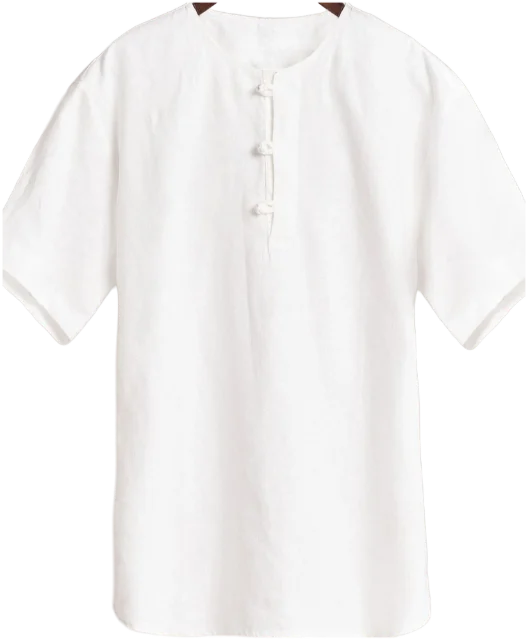
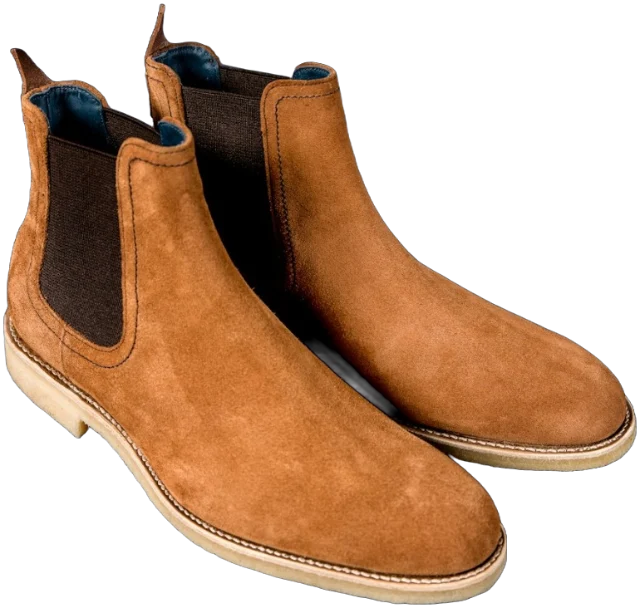
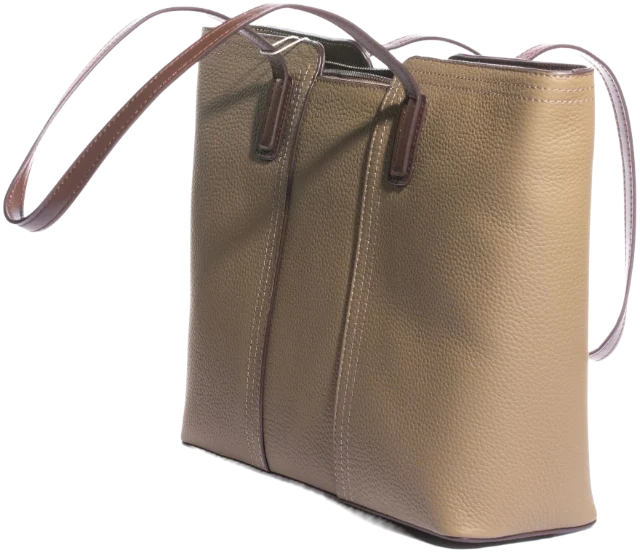
The same photos come in handy beyond your own wardrobe. They make listings look trustworthy when you sell what you’re decluttering, and they show friends exactly what’s on offer when you swap or lend clothes.
Questions
What is the best time of day to photograph clothes?
Late morning to mid-afternoon, ideally on a bright, overcast day. Daylight is softer and more neutral then than near sunrise or sunset, so colours look truer and shadows stay gentle.
How do you photograph clothes without creases?
Steam or iron the piece first, or hang it in a steamy bathroom for ten minutes. Then smooth it with flat hands from the centre outwards and run a lint roller over it.
Should I photograph clothes on myself?
For a digital wardrobe, usually not: pieces photographed on their own cut out more cleanly and combine into outfits more easily. A mirror photo is still useful for remembering how something fits.
Can I use the shop’s product photos instead?
Yes, if you can still find them, as they’re usually clean and well lit. Check the colour against the piece you own, because product photos are often edited.
Sources
- Striking individual differences in color perception uncovered by ‘the dress’ photograph, Current Biology, via PubMed Central
- Use iPhone camera tools to set up your shot, Apple Support
- Lift a subject from the photo or video background on iPhone, Apple Support