How to make a digital wardrobe you’ll actually use
A photo of everything you own sounds like a lost weekend. Done the lazy way, it’s a couple of hours spread over a fortnight, and it changes how you get dressed.
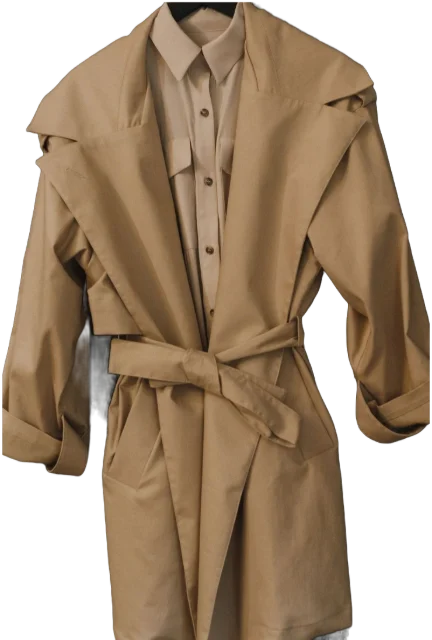
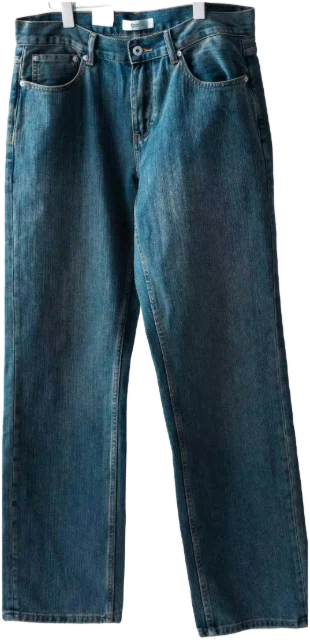
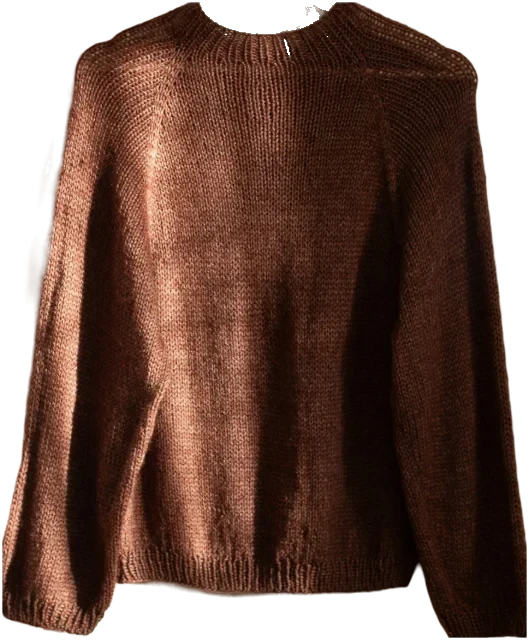
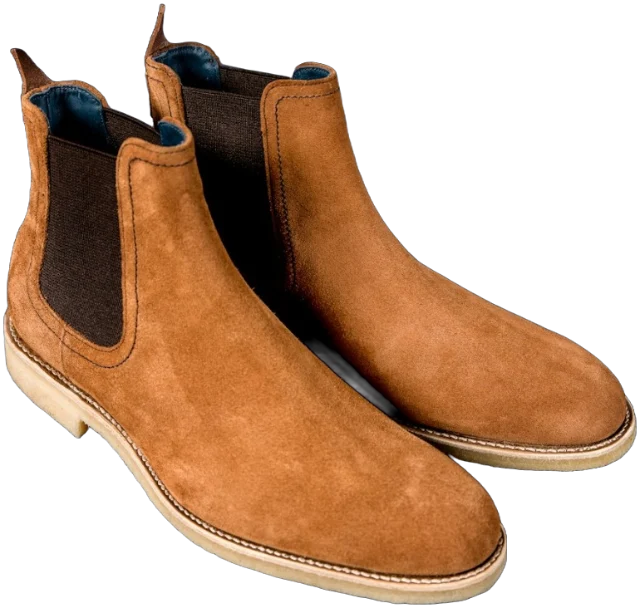
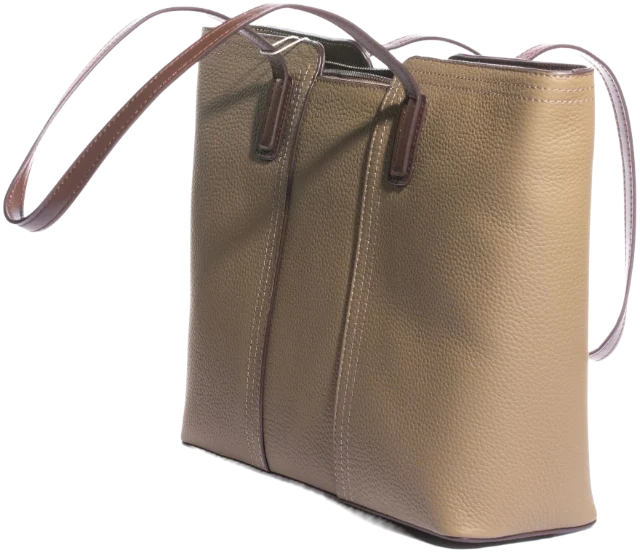
A digital wardrobe is a photo catalogue of the clothes you own, kept on your phone so you can see everything at once, plan outfits and spot gaps before you shop. To make one, photograph each piece on a plain background, tag it by type, colour and weather, and start using it before it’s finished.
Key takeaways
- Start with the 10 to 15 pieces you’ve worn in the last fortnight, then add the rest in batches.
- Photograph one piece at a time in daylight, on a plain background that contrasts with it.
- Tag type, colours, dressiness and weather; skip any tag you won’t use to choose.
- Log what you wear: within a season, the pieces you ignore become obvious.
- Before you start, check where your photos are stored and whether you can export them.
What is a digital wardrobe?
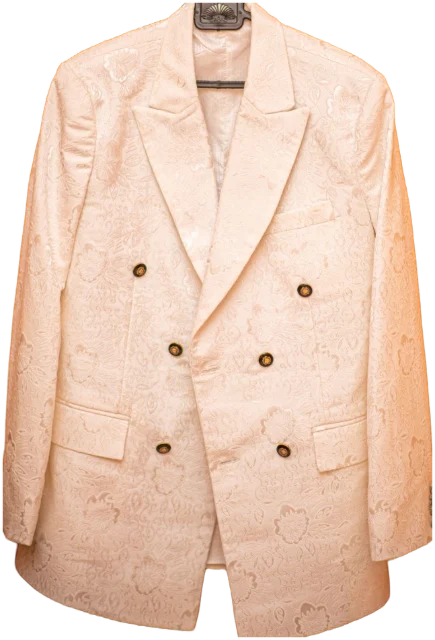
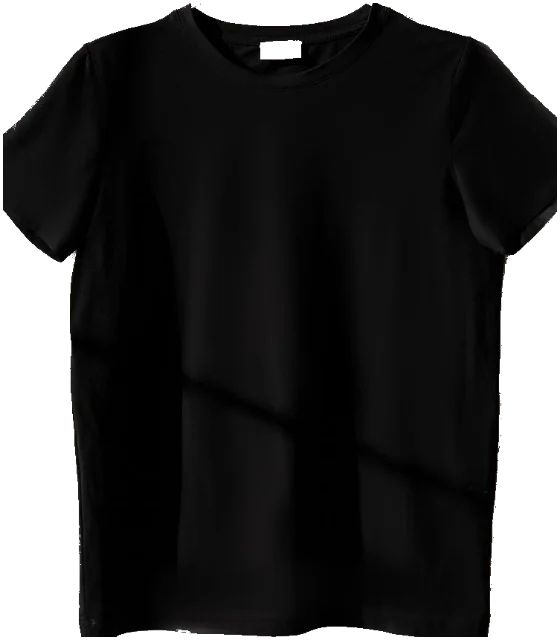
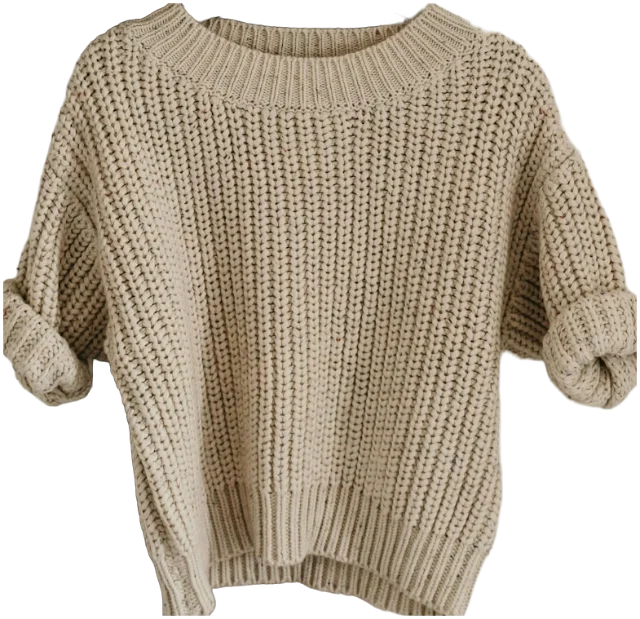
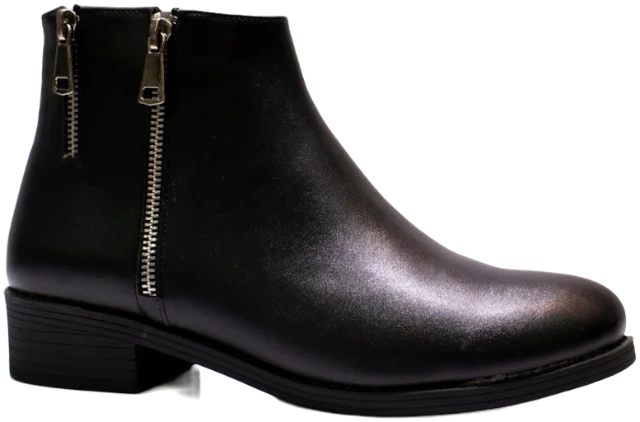
Think of it as a searchable version of your wardrobe door. Each piece is a photo, ideally cut out from its background so a coat, a jumper and a pair of boots can sit side by side like an outfit. Each photo carries a few tags: what it is, its colours, how dressy it is and what weather it suits.
You’ll also hear it called a digital closet, a virtual wardrobe or a wardrobe inventory. The names differ; the point doesn’t. You can see everything you own without opening a drawer, including the jumper folded at the back of the shelf that you forgot you had.
It can live in a wardrobe app, a spreadsheet or an album on your phone. The method below works for all three, and the table further down will help you pick.
Why make a digital wardrobe?
Because most of us own more than we wear. In a survey of more than 6,000 UK adults published in 2022, the climate action charity WRAP found the average wardrobe held 118 items, and 26% of them (31 pieces) hadn’t been worn for at least a year.
The reasons are telling. Some pieces were kept for occasions, some no longer fitted, and some were liked but simply never prioritised, especially knitwear and hoodies. That last group is where a digital wardrobe earns its keep, because out of sight really is out of mind.
It’s part of a bigger pattern, too. The Ellen MacArthur Foundation reports that over 15 years clothing production roughly doubled while clothing use fell by almost 40%. Wearing what you already own is the simplest way to push back.
Once it’s set up, a digital wardrobe helps you:
- Get dressed faster. Choose tomorrow’s outfit on the sofa, not in front of the mirror at 7.40am.
- See what you never wear. The pieces you skip become obvious when everything is on one screen.
- Shop with a list, not a feeling. Check whether you already own three black jumpers before you buy a fourth.
- Pack in minutes. Pick a week of outfits on your phone and pack only those.
- End the “nothing to wear” spiral. It’s hard to believe you have nothing to wear when you can scroll through a hundred things you own.
How to make a digital wardrobe in six steps
1. Start with this fortnight, not the whole wardrobe
Most people who give up do it on day one, halfway through a pile of T-shirts. Instead, add the 10 to 15 pieces you’ve worn in the last two weeks. They’re your real wardrobe, and you can start building outfits straight away.
2. Photograph each piece the same way
Use daylight from a window, a plain background that contrasts with the piece (a duvet, the floor, a door) and one piece per photo. Shoot flat lays from directly above and hanging pieces straight on, with the whole piece in the frame. Our guide to photographing clothes at home covers light, angles and phone settings in detail.
3. Cut out the background
This sounds like a nicety, but it’s what makes a digital wardrobe useful. Cut-out pieces can be laid together and judged as an outfit; three photos of your bedroom floor can’t. Many phones can now lift a subject out of a photo with a long press, and most wardrobe apps do it for you. Check the edges on fringing, fluffy knits and sheer fabrics, and re-shoot rather than fiddle.
4. Tag only what helps you choose
Five tags you use beat fifteen you don’t. These are the ones that earn their place:
- Type, as specifically as you’d say it: “wide-leg trousers”, not just “trousers”.
- Colours, main colour first.
- Dressiness: casual, smart casual or smart.
- Weather: warm, mild, cold or wet.
- Optional extras: fabric, price and where you bought it, if you want to work out cost per wear later.
5. Log what you wear
A digital wardrobe becomes genuinely useful once it knows what you actually wear. A one-tap log each morning is enough. After a season you’ll see your real favourites and the pieces that never leave the hanger. Our guide to tracking what you wear explains why repeating outfits is a good sign, not a bad one.
6. Add the rest in batches
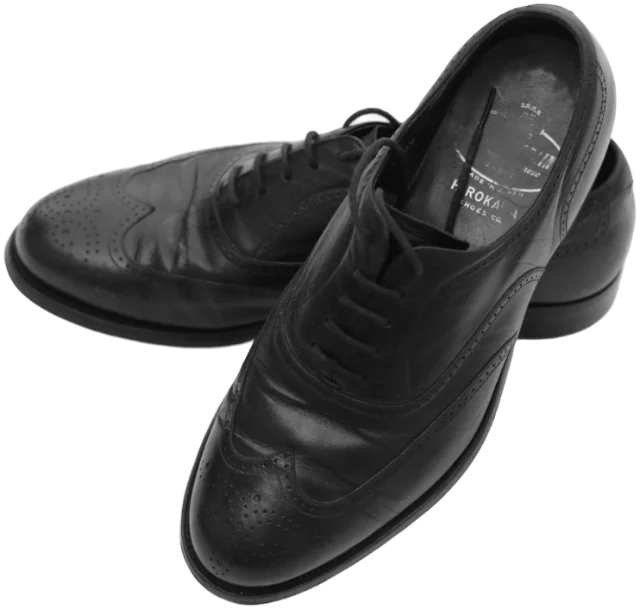
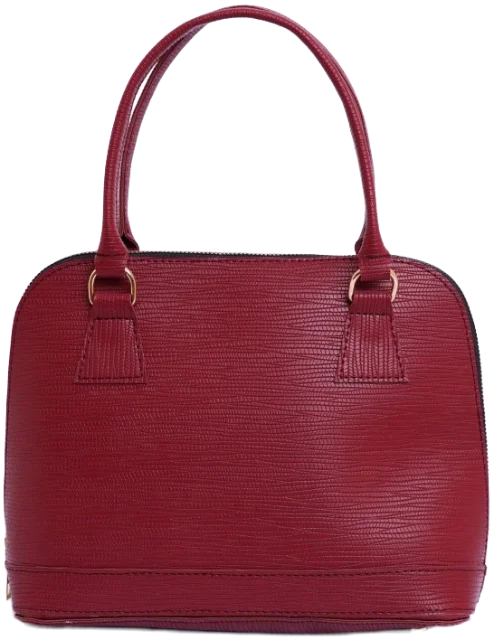
Coats, shoes and bags come next, because they appear in the most outfits. Then the rest of this season’s clothes, ten pieces at a time. Anything in storage can wait until you swap seasons.
App, spreadsheet or photo album?
You can make a digital wardrobe with tools you already have. The real question is how much you want to do by hand.
| Option | Set-up effort | Building outfits | Tracking wear | Best for |
|---|---|---|---|---|
| Photo album on your phone | Low | Hard: you can’t lay pieces side by side | By hand, if at all | Trying the idea for a week |
| Spreadsheet | High | None, unless you add photos | Good, if you’re disciplined | People who love a formula |
| Wardrobe app | Low to medium, with automatic cut-outs and tags | Built in, often with suggestions | Usually one tap | Most people |
If you’re weighing up apps, our guide to choosing a wardrobe app covers what they do, how much effort they take and the privacy questions worth asking.
How long does it take to digitise a wardrobe?
Once you’re in a rhythm, about a minute a piece: lay it down, take the photo, check the tags. At that pace, a wardrobe the size of WRAP’s average is around two hours of work, which is exactly why splitting it up works. A realistic plan:
- Day one, 20 minutes: the 10 to 15 pieces you’ve worn recently.
- That week: coats, shoes and bags.
- The next fortnight: ten pieces a day, while the kettle boils or the bath runs.
- At the next season swap: everything that’s been in storage.
Photograph the pieces you haven’t worn in a year too. You can’t decide what to do with clothes you can’t see.
How to use your digital wardrobe to get dressed
Build outfits from what you own
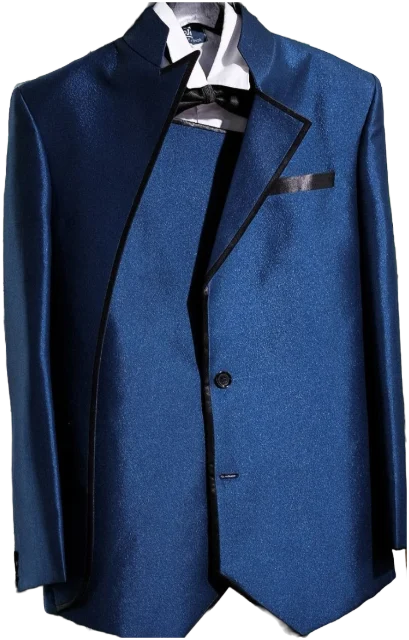
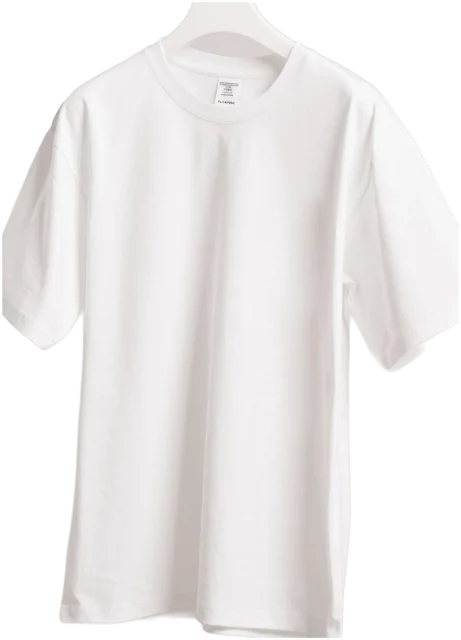
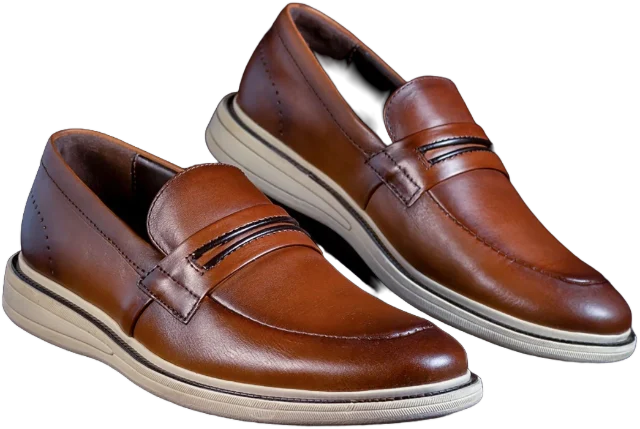
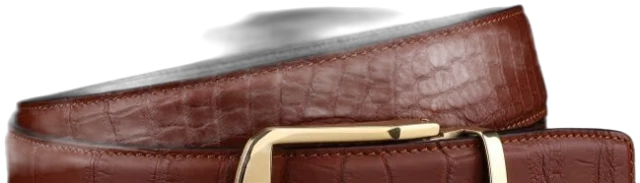
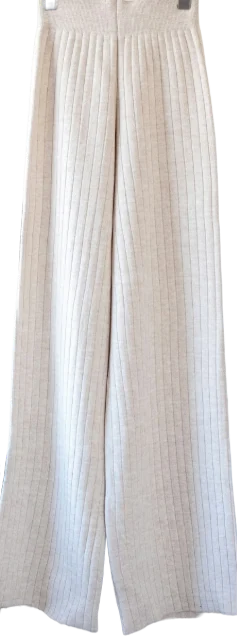
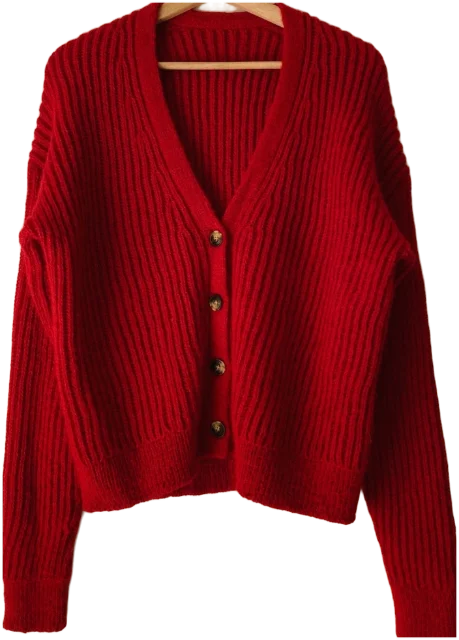
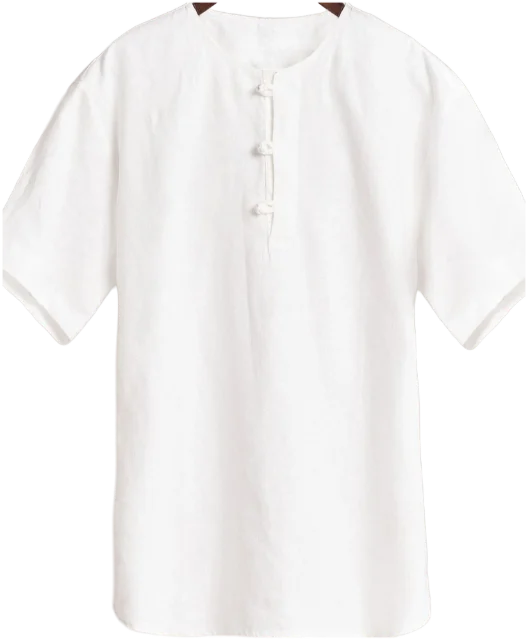
Start with a simple formula: a top, a layer, bottoms and shoes, plus one accessory. Lay the pieces out together and judge them as a whole. The win is spotting pairings you’ve never tried, like wearing the blazer you keep for work over a plain tee at the weekend.
Plan the week
On Sunday evening, check the forecast and your diary, then pick five outfits. It takes ten minutes and saves five rushed decisions. Keep one spare outfit for the day the plan meets the weather.
Ask for ideas
Many wardrobe apps now suggest outfits for the weather or an occasion, some using AI. Treat them as a second opinion, not a verdict; our honest look at what an AI stylist can and can’t do explains where they help.
Rescue the forgotten pieces
Sort by least worn, pick one piece and build three outfits around it this week. If none of them feels right, that tells you something too.
Privacy: where does your digital wardrobe live?
Photos of your clothes say more than you’d think: your size, your spending, sometimes your bedroom and the view from your window. Before you photograph a hundred pieces into any service, check:
- Where the photos are stored: on your phone, in your own cloud storage or on the company’s servers.
- Whether you need an account, and what happens to your closet if you close it.
- What AI features send, and when: every photo as you add it, or only when you ask for help.
- Whether you can get it all back. In many cases, UK data protection law gives you the right to get personal data you’ve provided in a machine-readable format and to ask for it to be deleted.
And look at the background before you shoot. Even with a cut-out, the original photo may be kept, so move post, family photos and anything with your address on it out of the frame.
How to keep your digital wardrobe up to date
- Photograph new pieces the day they arrive, before the first wear. It takes a minute and keeps the habit alive.
- Remove what leaves. Sold, swapped or given away, it comes out of the catalogue the same day.
- Review once a season. Sort by least worn and decide on anything untouched for a year. Our guide to decluttering your wardrobe without regret helps with the hard calls.
- Don’t chase perfection. A slightly wonky photo you use beats a perfect catalogue you abandon.
A digital wardrobe isn’t a project with an end date. It’s a habit that takes a minute a day and pays you back every morning.
Questions
Is there a free way to make a digital wardrobe?
Yes. An album on your phone with one photo per piece costs nothing, and a spreadsheet can hold tags and wear counts. Many wardrobe apps have free versions too, so check what’s included before you photograph everything.
Should I include underwear, gym kit and pyjamas?
Only if you choose them as part of an outfit. Most people leave out underwear and sleepwear, but always include shoes, bags, belts and coats, because they change an outfit the most.
Do I need to photograph clothes on a person?
No. Flat lays and hanger shots cut out more cleanly and combine into outfits more easily. A mirror photo of you wearing a piece is still handy for remembering how it fits.
What’s the difference between a digital wardrobe and a capsule wardrobe?
A capsule wardrobe is a small set of pieces that all work together; a digital wardrobe is a catalogue of whatever you own. Many people use a digital wardrobe to find the capsule hiding inside their existing clothes.
Sources
- Nation’s wardrobes hold 1.6 billion items of unworn clothes, WRAP
- Fashion and the circular economy, Ellen MacArthur Foundation
- Your right to data portability, Information Commissioner’s Office
- Your right to get your data deleted, Information Commissioner’s Office